Build Something with a Raspberry Pi
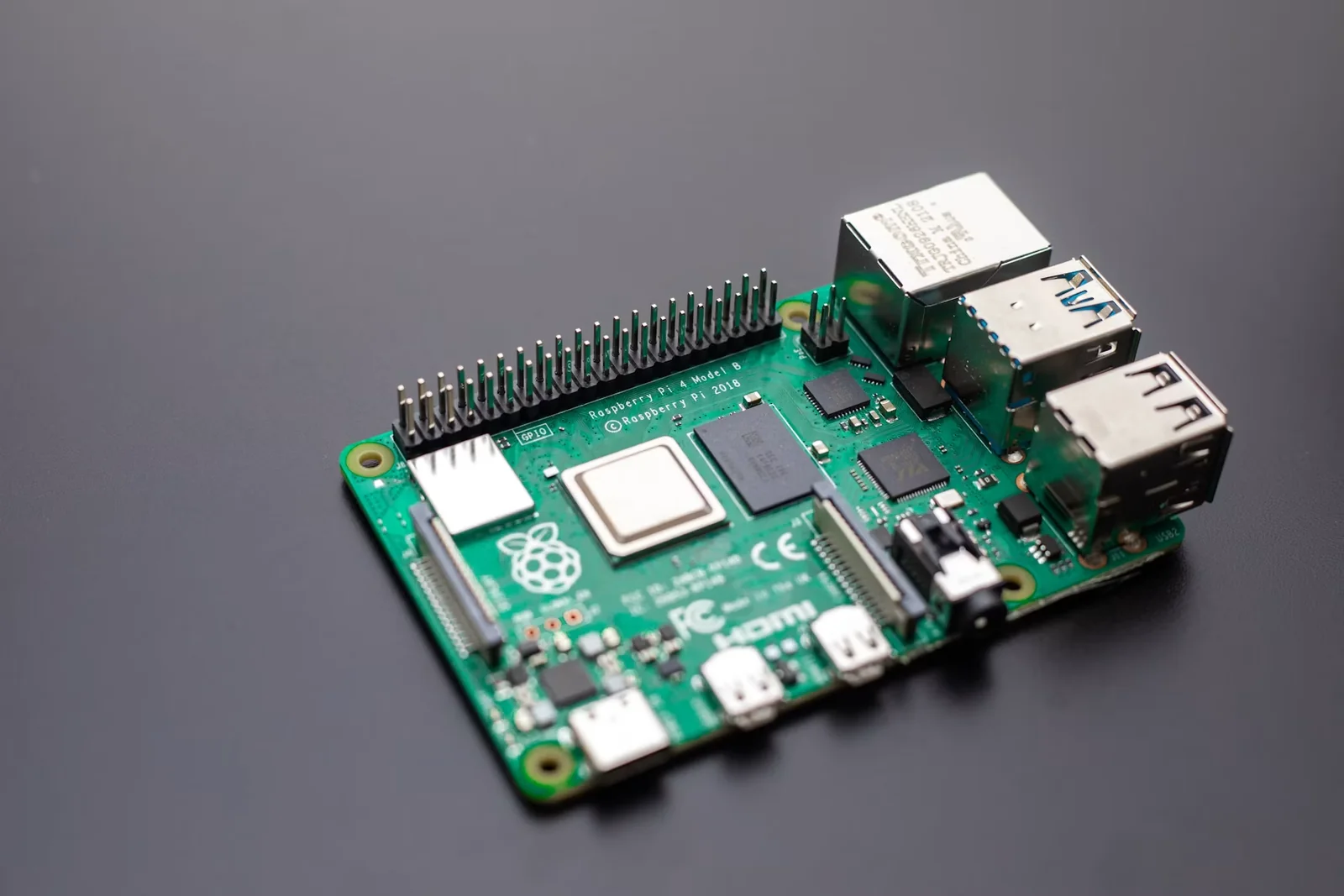
Turn a circuit board the size of a deck of cards into a working object with a purpose. A Raspberry Pi can become a tiny desktop computer, weather display, media centre, camera, retro game machine or controller for lights and sensors. The satisfying moment is when code leaves the screen and produces a visible result. A Raspberry Pi is a complete single-board computer, while the Pico range is a microcontroller, so project instructions and accessories are not interchangeable. Most standard Pi setups need boot media containing an operating system, a suitable power supply and either local peripherals or a carefully configured remote connection. Projects that connect switches, LEDs and sensors also introduce the general-purpose input/output pins, where correct voltage and wiring matter. Choose one documented beginner project before buying a box of components. Check that the instructions match your exact board model, use the official imaging tool for a fresh operating system and change default or temporary credentials. Disconnect power before altering hardware, avoid exposed mains electricity and use an enclosure if loose contacts could touch metal. Back up any files you care about before re-imaging storage. Keep a short build log with the parts, commands and mistakes that mattered. Once the basic version works, change one feature rather than rebuilding everything at once. Add this to your list to learn computing as a physical craft and finish with a device you can demonstrate, improve and actually use.