Repair or Upgrade an Old Computer
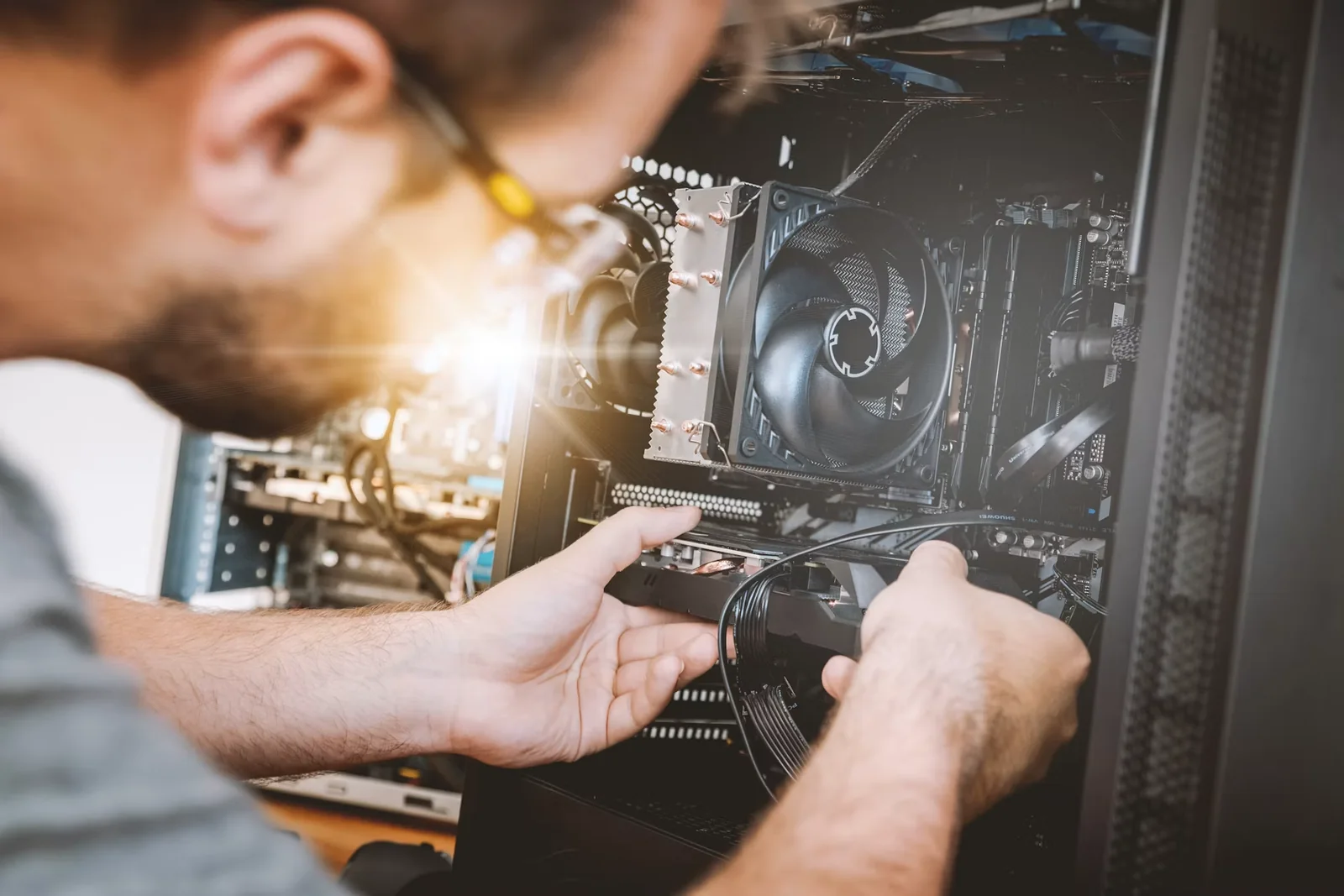
Open a machine that has become slow, noisy or abandoned and work out which part is actually holding it back. Replacing storage, adding memory, cleaning a blocked cooling system or installing a supported operating system can turn an apparent piece of waste into a useful computer again. Diagnosis comes before shopping. A full disk, failing drive, overheating processor, weak battery and unsupported software can produce similar symptoms but require different solutions. Laptops vary enormously in repairability: memory may be soldered, batteries glued and storage hidden behind fragile clips, while a desktop usually allows easier component changes. Compatibility depends on the exact model, connector, physical size and firmware. Back up important files and confirm the backup opens before touching hardware. Record the model and current specifications, consult the manufacturer's service information and decide whether the work is within your ability. Shut down, unplug power and follow battery and electrostatic precautions. Swollen batteries, damaged mains equipment and unfamiliar high-voltage components belong with a competent repair professional, not an experimental first project. Change one thing, test it and keep the original part until the machine is stable. Install security updates, create a fresh backup and erase personal data properly before selling or recycling any removed storage. Add this to your list to learn what a computer contains while extending the useful life of equipment you already own.